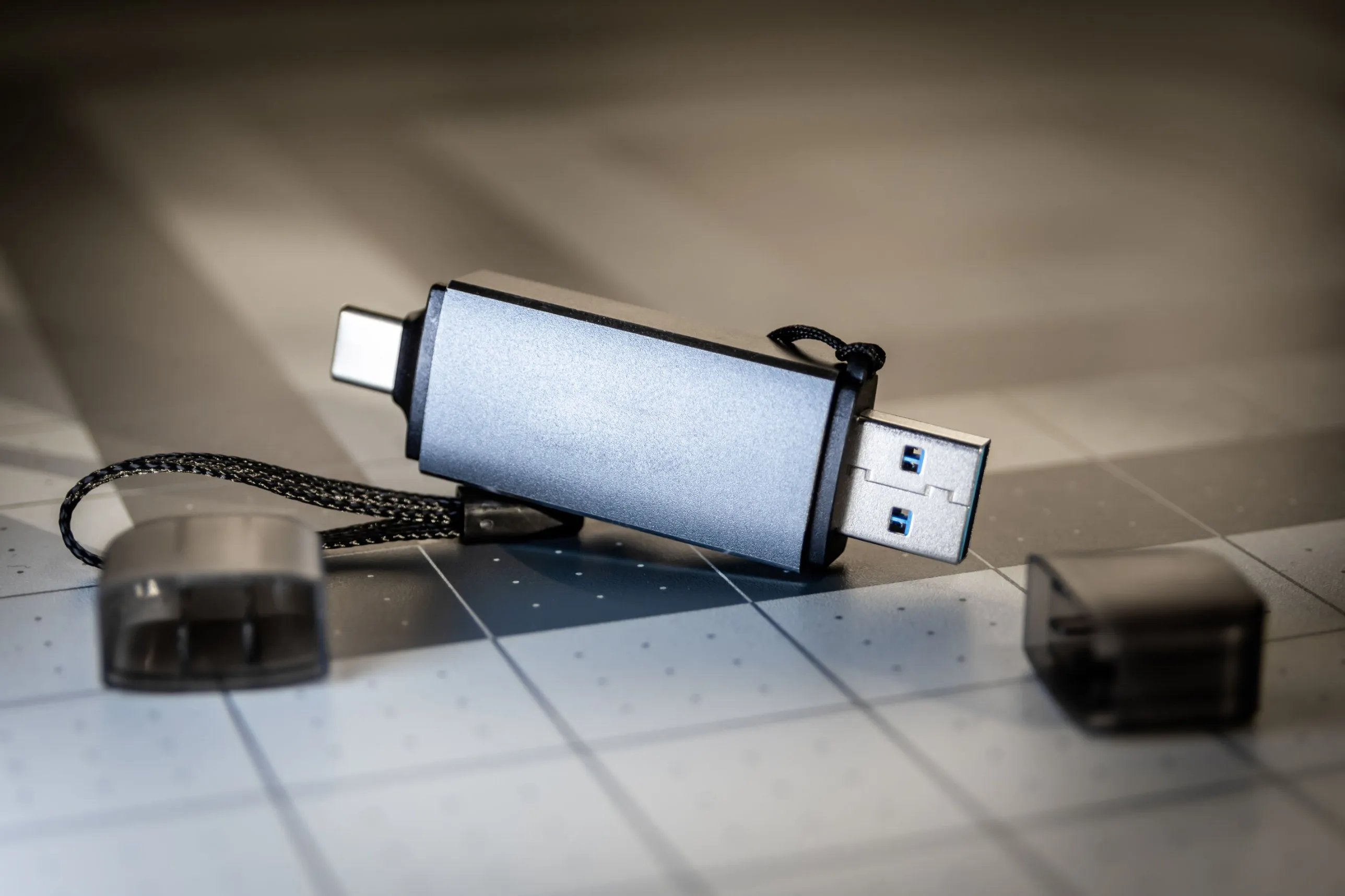
At the end of October 2026, the body that oversees the UK’s intelligence agencies reported that GCHQ could not account for a large number of USB sticks, external hard drives, compact discs, memory cards and other portable storage. GCHQ estimated the number “in the thousands”. It said its system for tracking removable media “was previously not sufficiently robust to effectively track the items”, and that the findings had since been “addressed comprehensively”.
GCHQ is a national security agency whose work depends on keeping information safe, and it still lost count. That says as much about removable storage as about GCHQ. Memory sticks are cheap, small and easy to pass from hand to hand. They are easy to hand out without a record, and easy never to hand back.
This guide looks at how to keep removable storage under control, using four requirements from the RiskWitness Blueprint: deciding which storage is allowed at all, making it easy to report a lost device, logging every loss, and destroying storage properly when it’s no longer needed.
Plugged in
- A stick nobody approved, such as one found in the car park or brought from home: blocked, or scanned automatically RW-DEV-13
- An approved, encrypted drive, issued to a named person for a reason RW-DEV-13
Missing
- A lost or stolen drive, and whoever ends up with it
- Reported straight away, through one easy route, without fear of blame RW-DET-02
- Logged as an incident, with an owner, until it's resolved RW-DET-04
No longer needed
- Destroyed or wiped so nothing can be recovered, and crossed off the list RW-DAT-05
- Approved and accounted for
- Blocked
- Closed off for good
- Out of your hands
About the RiskWitness Blueprint
The RiskWitness Blueprint is a free information security framework that we publish for organisations of every size. It sets out 249 requirements across a core and eleven areas, from identity and access to suppliers and artificial intelligence. Each requirement says what to do and why it matters, and leaves the choice of how to the organisation.
Requirements sit in three tiers, and each tier includes everything below it:
- Foundation: what every organisation should have, whatever its size, including the controls that stop the most common attacks.
- Established: a managed programme, with deeper risk work, supplier assurance, testing, monitoring and regular review.
- Advanced: for organisations with more at stake, with round-the-clock monitoring and deeper, independent testing.
The Blueprint is also proportionate. It says what to achieve, not how far to take it, so a small firm and a large one can both meet the same requirement in ways that suit their size and risks. The full framework can be downloaded free.
What the requirements ask
RW-DEV-13Established
Removable storage controlled
Block USB drives and other removable storage on company devices, or scan anything plugged in automatically, and allow exceptions only for encrypted storage that has been approved.
RW-DET-02Foundation
One easy way to raise a concern
Give staff one simple, well-known way to report anything suspicious, any security weakness and any mistake of their own straight away, such as a phishing email, a lost laptop or data sent to the wrong person, and make clear that reporting promptly will not count against them.
RW-DET-04Foundation
A log of every incident
Record every incident and suspected incident in one log, noting what happened, who is dealing with it and what was done, and keep each entry open until the matter is resolved.
RW-DAT-05Foundation
Paper and old media destroyed securely
Destroy paper records, discs, memory sticks and other storage media holding your information, once you no longer need them, in a way that leaves nothing that can be recovered.
RW-DEV-13 is the heart of it. It asks you to block removable storage on company devices, or scan anything plugged in automatically, and to allow exceptions only for encrypted storage you have approved. “Approved” only means something if you know which drives you approved, who has each one and why, so in practice it needs a list. It’s an Established requirement because it takes a running process: devices set up to enforce it, and someone keeping the list current.
The other three are Foundation requirements that every organisation should already have, applied here to small devices that are easy to overlook. RW-DET-02 asks for one easy way for staff to report a problem, including a lost device, without fear of blame. RW-DET-04 asks for every incident to be logged with an owner until it’s resolved, so a missing drive doesn’t stop being anyone’s concern. RW-DAT-05 names memory sticks and discs alongside paper: when you no longer need them, destroy them so nothing can be recovered.
Together they cover the whole life of a drive, from the day it’s plugged in to the day it’s destroyed.
Why they matter
A drive you can’t find is information you can’t protect
The GCHQ case shows the first risk plainly. The Investigatory Powers Commissioner’s Office, which oversees how UK intelligence agencies use their powers, published its annual report for 2025 on 29 October 2026. It said the number of items GCHQ could not account for was “very significant”. According to The Record, the issues had first been raised several years earlier. GCHQ has since carried out a full audit, and Cybernews reports that the Commissioner’s Office will check progress through inspections and written reports during 2026.
GCHQ described the problem as one of record-keeping rather than items known to be lost. That is exactly the difficulty. Without a record of what was issued, to whom and when it came back, an organisation can’t tell a drive in a desk drawer from one left on a train. Nor can it say what information was on either.
Removable storage carries malware in, and data out
The second risk runs the other way. In September 2025, NIST’s National Cybersecurity Center of Excellence published guidance on portable storage in operational technology, the systems that run industrial equipment. It advises that organisations buy, approve and manage their own drives, and that “devices provided by other sources should be considered untrusted”. It recommends scanning media for malware before and after use, recording which devices were used where and by whom, and encrypting what’s stored on them.
Canada’s cyber security agency makes the same point about encryption in its guidance on removable media for sensitive government information. A drive should be encrypted with a validated module, so that losing it doesn’t mean losing what’s on it.
Deleting files isn’t destroying them
The third risk comes at the end. NIST’s revised guidelines for media sanitisation, published in September 2025, set out how to make data on a device “infeasible” to recover, with methods matched to how sensitive it is. The 2025 portable storage guide adds that sanitisation should happen before a USB device is disposed of, and be tracked and documented. A memory stick that has had its files deleted, then gone in a drawer or a bin, may still hold everything that was once on it.
How to meet them
How far an organisation takes these requirements depends on its size, how much it relies on removable storage and what it keeps on it.
A small organisation
Typical set-up
Around twenty laptops, cloud email and file sharing, and an IT provider who sets up the laptops.
What it could look like
- Ask whether anyone really needs USB storage. If files can be shared through your cloud service instead, ask your IT provider to block removable storage on every laptop.
- If one or two people do need it, buy encrypted drives, give each to a named person, and keep a short list of who has which.
- Tell staff that a lost drive or laptop should be reported straight away, and to whom, and that reporting it quickly won’t count against them.
- Keep a box for drives that are no longer needed, and have them destroyed properly, crossing each one off the list.
A larger organisation
Typical set-up
Hundreds of devices across several sites, an internal IT team, and some systems that need files moved onto them by hand.
What it could look like
- Block removable storage by default through device management, and allow only approved, encrypted drives, recognised by their serial numbers.
- Keep a register of every approved drive, with who holds it, what it’s for and when it was last checked, and count them against the register at least once a year.
- Where files must reach systems without an internet connection, use dedicated drives scanned before and after each use, kept in a secure place.
- Treat every missing drive as an incident until it’s found or ruled out, and use a sanitisation or destruction service that gives you a record for each device.
How to show it’s done
Leadership, auditors and customers will want to see that removable storage is controlled, not just that there’s a rule about it. Useful evidence includes:
- The device settings that block or scan removable storage, and a test showing that an unapproved drive is refused.
- A current list of approved drives, each with the person who holds it, what it’s for and when it was last checked.
- The result of the latest count against that list, and what happened to any drive that couldn’t be found.
- Your staff guidance on reporting a lost device, and the incident log entries for any that were reported.
- Records from your destruction or sanitisation service for drives that are no longer in use.
Where it usually falls short
A policy, but no settings
Issued, never returned
Nobody counts
Losses that go unreported
Deleted, not destroyed
How RiskWitness helps
RiskWitness is a hosted information security risk register. It ships with the Blueprint built in, with starter controls already mapped to its requirements, and it can be used to manage these four requirements from start to finish. Assets and incidents are on the Team plan and above, which also includes all three tiers of the Blueprint, as RW-DEV-13 needs.
Keep the list of approved drives
Add each approved drive as an asset of the type “Hardware or device”, with the person who holds it, where it’s kept, a review date and the sensitivity of what it may carry. If you already keep a list in a spreadsheet, import it. When a drive is destroyed, mark the asset as retired, so the list shows what’s still in use.Record the risk
Add a risk for removable storage being lost or carrying malware in, with an owner. Score it before and after controls, choose how it will be treated, and link it to the drives it concerns.Make the safeguards controls, and test them
Add controls such as “Removable storage blocked except approved encrypted drives”, “Annual count of approved drives” and “Drives destroyed by an approved service”, map each to its Blueprint requirement, and record every test with its result. RiskWitness shows how well each requirement is met.Agree the exceptions knowingly
If a team needs unencrypted storage for a while, record the decision as a risk acceptance with a reason and an end date. If it’s outside your tolerance, a named approver signs it off.Log every loss
When a drive is reported missing, record an incident in the “Lost or stolen device” category, linked to the asset and the risk, with who is handling it. RiskWitness shows which regulators may need telling, with their deadlines.Give each gap an owner
If the annual count finds drives missing, or the device settings don’t block what they should, create an action with an owner and a due date. Overdue actions show on the dashboard.
Every step is kept in a history that shows who did what, when, and the old and new values, and nobody can edit or delete it. When leadership, an auditor, a customer or a regulator asks how many drives you have and where they are, the answer is already written down.
Sources
- British spy agency cannot account for thousands of data storage devices, watchdog says, The Record (Recorded Future News), 30 October 2026
- The UK’s spy agency struggles to locate thousands of USB sticks, Cybernews, no date given (reporting the Annual Report 2025)
- Annual reports, Investigatory Powers Commissioner’s Office, Annual Report 2025 listed 29 October 2026
- Reducing the cybersecurity risks of portable storage media in OT environments (SP 1334), NIST National Cybersecurity Center of Excellence, September 2025
- Guidelines for media sanitization (SP 800-88 Rev. 2), NIST, September 2025
- Security considerations for the use of removable media devices for Protected C and classified information (ITSB-112), Canadian Centre for Cyber Security, August 2014