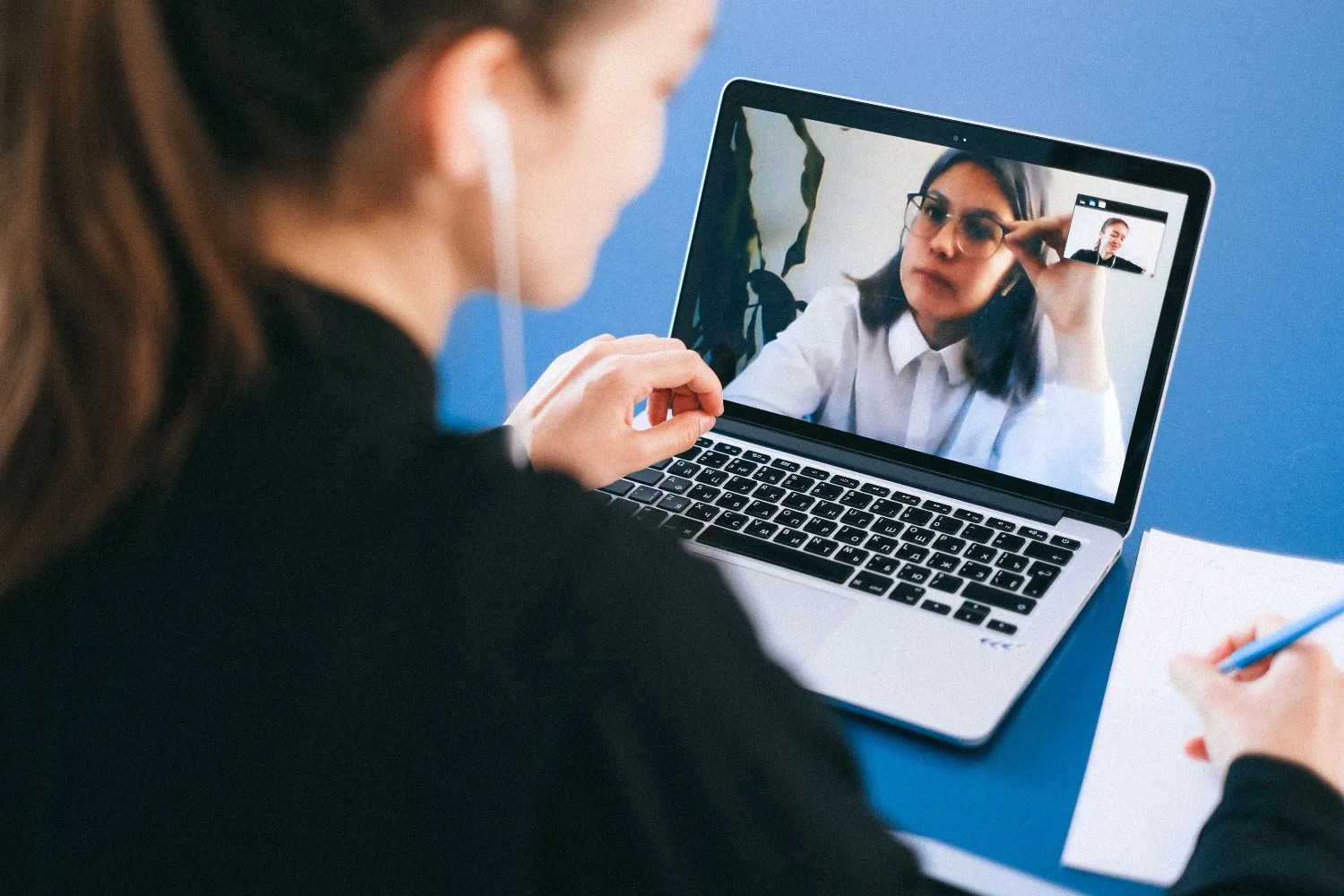
An invitation from someone you know, then their face on screen, is about as trusted as a request gets. This scheme fakes both. It has mostly targeted the cryptocurrency industry, but the method works anywhere.
What happened
On 12 November 2026 the FBI published an alert, FLASH AC-111226-MS, on a scheme it calls “FaceStealer”. It attributes the scheme to North Korean state-sponsored hackers, also known as BlueNoroff, Sapphire Sleet and UNC1069. The US Justice Department has disrupted the scheme’s cloud services.
The FBI describes the steps:
- The attackers take over a victim’s accounts on services such as Telegram, LinkedIn, Slack and Discord.
- Posing as that victim, they invite the victim’s contacts to a meeting, tailored using real chat histories.
- Shortly before it starts, they send a link to a fake Zoom or Teams page.
- In the meeting, they play webcam video recorded from earlier victims, so the target sees people they know.
- They claim the target can’t be heard, and guide them to run an “update”, a script or a command.
- That “fix” installs malware that records keystrokes and the screen, takes browser cookies and opens a back door. The target’s webcam is recorded too, for the next round.
The FBI says the scheme has taken more than $400 million in cryptocurrency over the past 18 months. It has seized more than 900 victim videos. In several cases, money was stolen months or over a year after the first compromise.
The attackers have also started to use deepfake videos of well-known people, though most meetings still use genuine stolen video.
The FBI says the attackers also target maintainers of open-source software, the free shared code many products are built on. Early this year they caught a maintainer of a JavaScript library downloaded tens of millions of times a week. They used his access to add malicious code, which was found and stopped quickly. The Hacker News reports that the library was Axios.
Arctic Wolf, a security monitoring company, counts 677 people across 58 countries in the attackers’ material, 84% of them founders or senior executives. Newer lures include fake PDF viewer updates, on Windows, macOS and Linux.
What to do now
These steps come from the FBI’s alert.
- Join meetings from the official app with the meeting code, rather than clicking a link to a web version.
- Keep your camera off until you can see and talk to the person who invited you.
- Never run a script or paste a command to “fix” a meeting. Update the app separately instead.
- Confirm the meeting another way, for example by phone if the invitation came by Telegram.
- Protect messaging accounts with multi-factor sign-in and sign-in alerts.
- If someone may have been caught, sign out every session, change passwords and tell their contacts and their employer.
These Blueprint requirements cover the same ground:
- RW-GOV-07 Unexpected requests confirmed another way (Foundation). Confirm a meeting, or a request to run something, through a channel you know is theirs.
- RW-GOV-06 Security awareness training for all (Foundation). Add fake meetings and “audio fixes” to the fraud attempts people learn to spot.
- RW-DEV-15 Only approved programs can run (Established). This can stop the “fix” from running.
- RW-IDA-02 Multi-factor sign-in (Foundation). It makes the accounts used to spread the scheme harder to take over.
- RW-DEV-22 Source code and build tools protected (Established). If you build software, one infected laptop can then do less.
How RiskWitness helps
“Who would they go for?” Assets and Risks. Record the laptops of people with high-value access, such as finance staff, executives and developers, as assets with owners. Add a risk that a trusted contact is impersonated to get malware installed. Give it an owner, score it before and after controls, and choose a treatment.
“Would our defences stop it?” Controls. Add controls such as confirming meetings another way, allowing only approved programs and multi-factor sign-in on messaging apps. Record how effective each is against the risk. Log each test and its result.
“What’s still to do?” Actions. Turn the gaps into actions with owners and due dates, such as updating the training. Overdue actions show on the dashboard.
“What if someone clicked?” Incidents. Record an incident with who is handling it, linked to the device, the risk and the controls. RiskWitness shows which regulators may need telling, and by when.
“Can we show we’re covered?” Frameworks and Reports. Map the controls to the RiskWitness Blueprint requirements above, and see how well each is met. Then produce a PDF report or slide deck for leadership.
Every step is kept in a history that shows who did what, when, and the old and new values. Nobody can edit or delete it. When leadership, an auditor, a customer or a regulator asks how you responded, the answer is already written down.
Sources
- North Korean hackers use secretly recorded webcam library of 900+ tech workers in $400M “FaceStealer” crypto theft scheme (FLASH AC-111226-MS), FBI, 12 November 2026
- Justice Department announces actions to disrupt North Korea’s massive theft of cryptocurrency, US Department of Justice, 12 November 2026
- Still in the Meeting: BlueNoroff Six Months On, Arctic Wolf Labs, 12 November 2026
- FBI Says North Korean Hackers Stole Over $400 Million in Crypto Using Deepfake Video Calls, The Hacker News, 13 November 2026